
Applications with content
Expert Insight designs and builds learning environments, quality management software and business applications. Where a project also calls for specialist content, we develop it alongside the software.
ProLMS
Digital learning environment
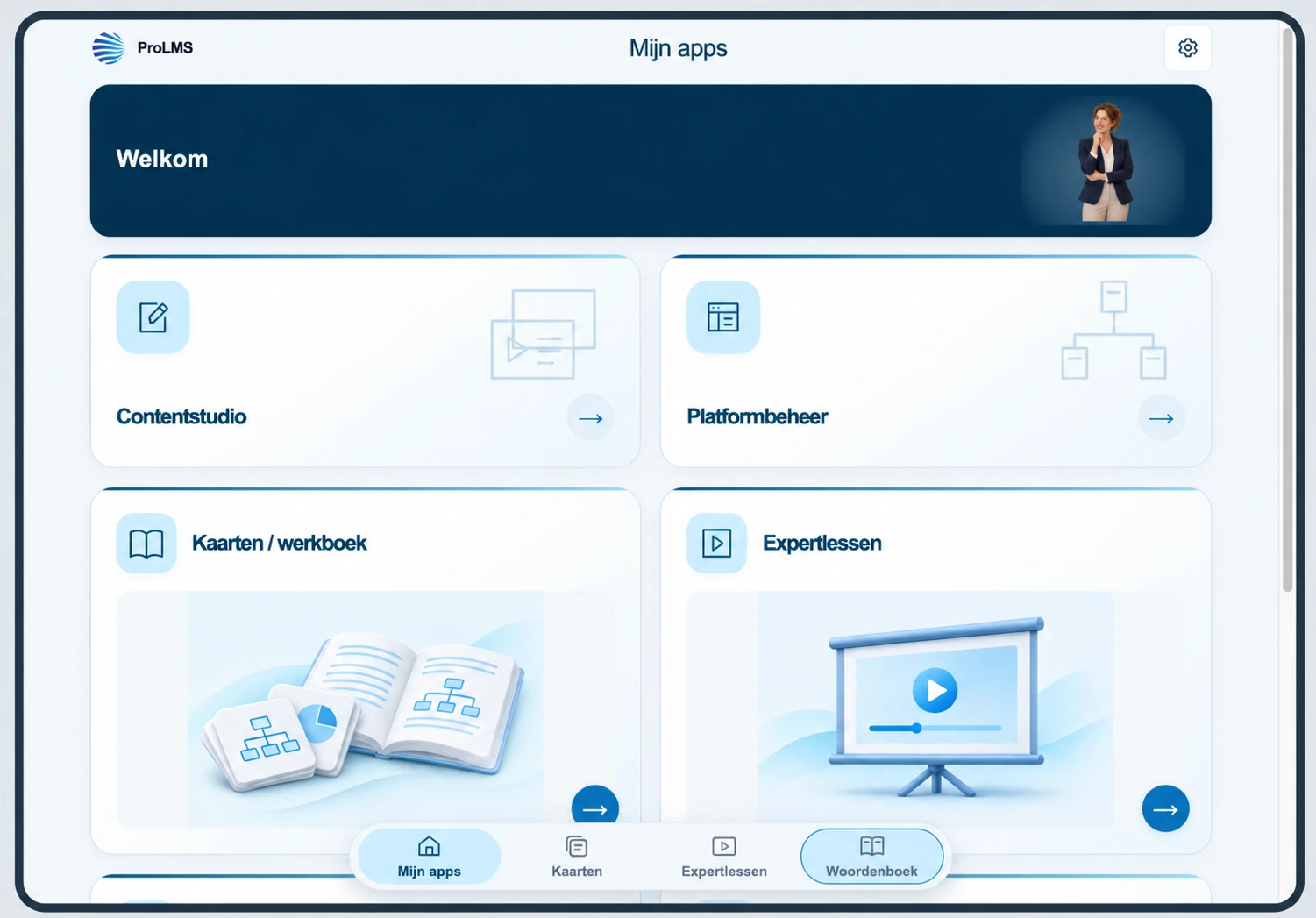
ProLMS brings the learning platform and specialist content together. Interactive lesson cards give employees an active way to practise. Workbooks support learning and serve as a reference afterwards. Expert lessons explore topics in more depth and can be taken in a classroom or independently.
ProLMS supports multiple languages so employees can learn in a language that suits them. A future addition to ProLMS is the language module Taal in de praktijk. In this module, employees use interactive games to practise words and phrases they encounter at work.
Language, audio and captions
- Multilingual interface Use the menus and controls in your preferred language.
- Voice-over Listen to the spoken explanation on lesson cards.
- Captions Read along with the spoken explanation or follow it with the sound off.
From lesson card to workplace
- Classroom instruction and printed material
- ProLMS adds short, repeatable instruction on a phone or tablet. The workbook can support guided practice on the job.
- An LMS organised around course administration
- ProLMS is designed around the learning materials. One topic can appear as a lesson card, as a workbook activity and as an expert lesson or a Knowledge reference.
- LearnLesson card with voice-over and captions
- PractiseWorkbook activity for the workplace
- Explore and look upExpert lesson and Knowledge
ProInsight
Quality management software
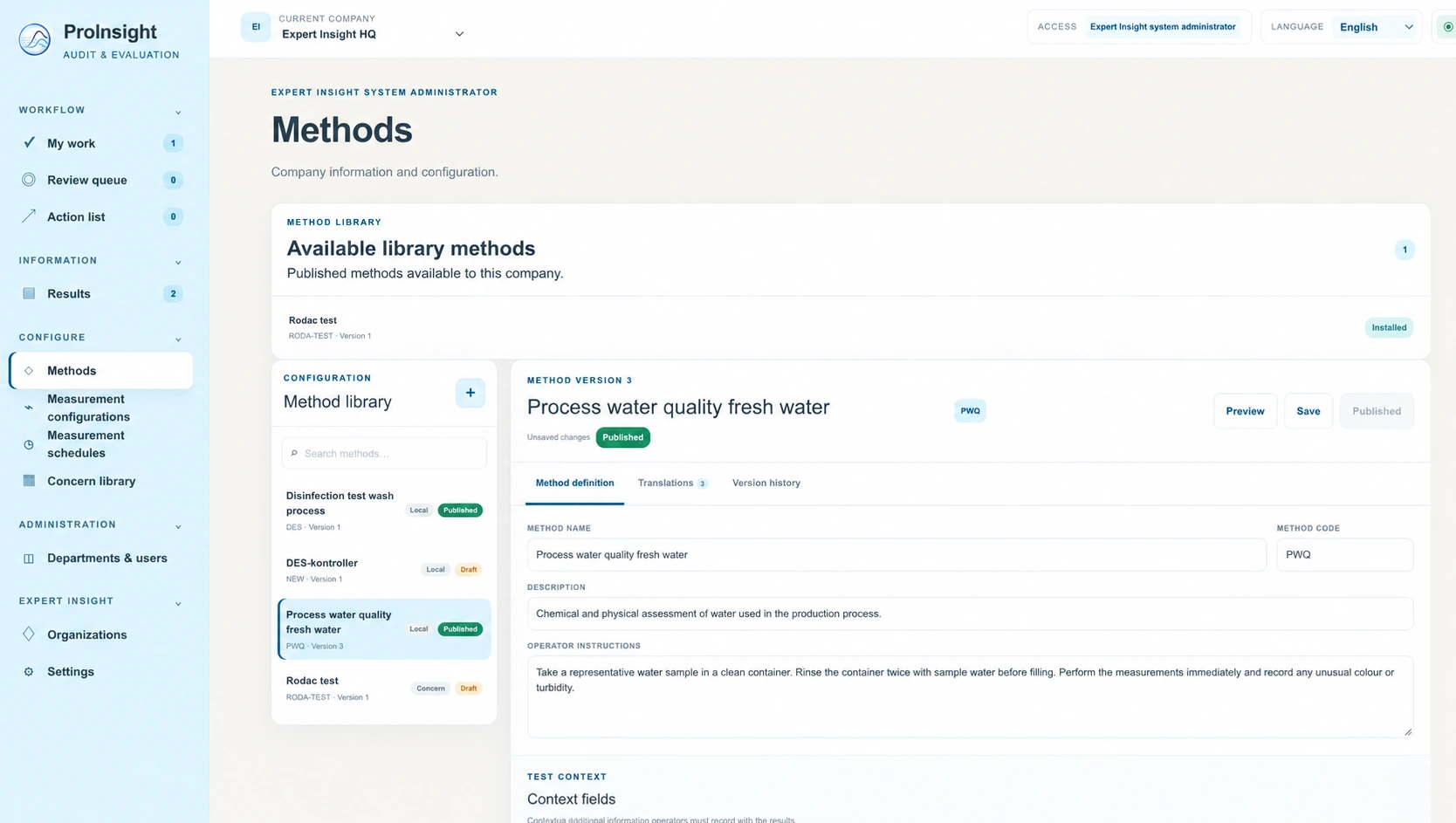
With ProInsight, you can manage your process assessments from measurement planning through to results. You define what to measure, how often and which reference values apply. Teams schedule measurements, record results and compare them with the reference values to spot trends over time.
From measurement plan to insight
- Configure Define the measurements, frequency and reference values.
- Schedule Schedule the measurement activities and see which measurements are due.
- Record Record the results of completed measurements.
- Analyse Compare results with reference values and identify trends over time.
ProCRM
Contact and task management
We developed ProCRM to bring customer relationships and follow-up into one application. Teams can organise their tasks efficiently. You can use ProCRM on a phone, tablet or PC.
Working with ProCRM
- Relationships Manage organisations and contacts in customer records.
- Tasks Create tasks and track what still needs to be done.
- Time tracking Record hours worked and review time entries.
- Trip logging Log business trips and the distances travelled.
- Notes Record personal notes so you can refer to them later.
- Documents Create documents such as letters, delivery notes and memos.
What would you like to develop?
Tell us which work process you want to support or which knowledge you want to make accessible.